MCP App Inspector
ChatGPT and Claude,
on localhost.
The moonpeak inspector replicates ChatGPT and Claude style hosts on your machine. Inspect any MCP server across hosts, themes, display modes and device sizes without deploying or paying for host accounts.
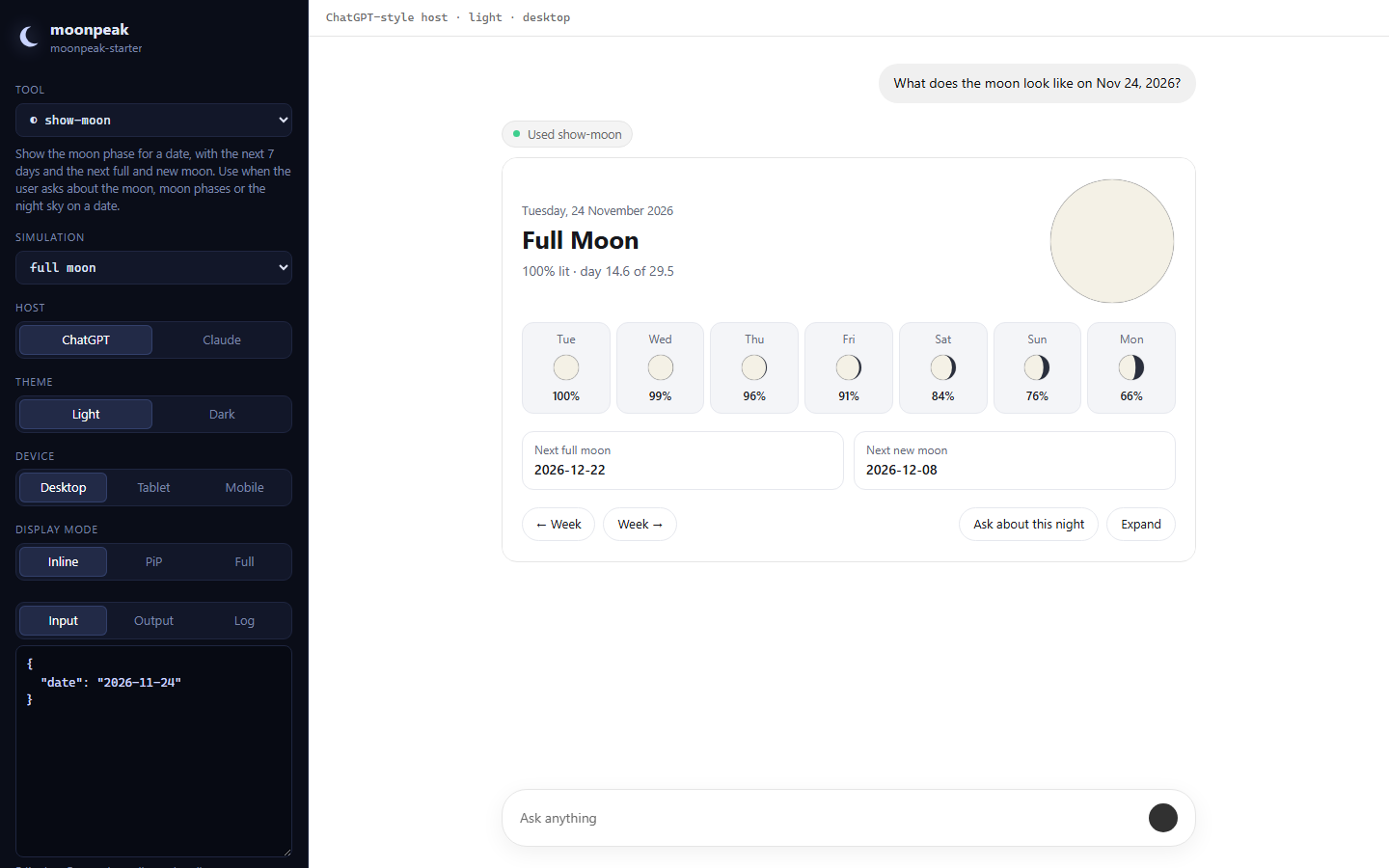
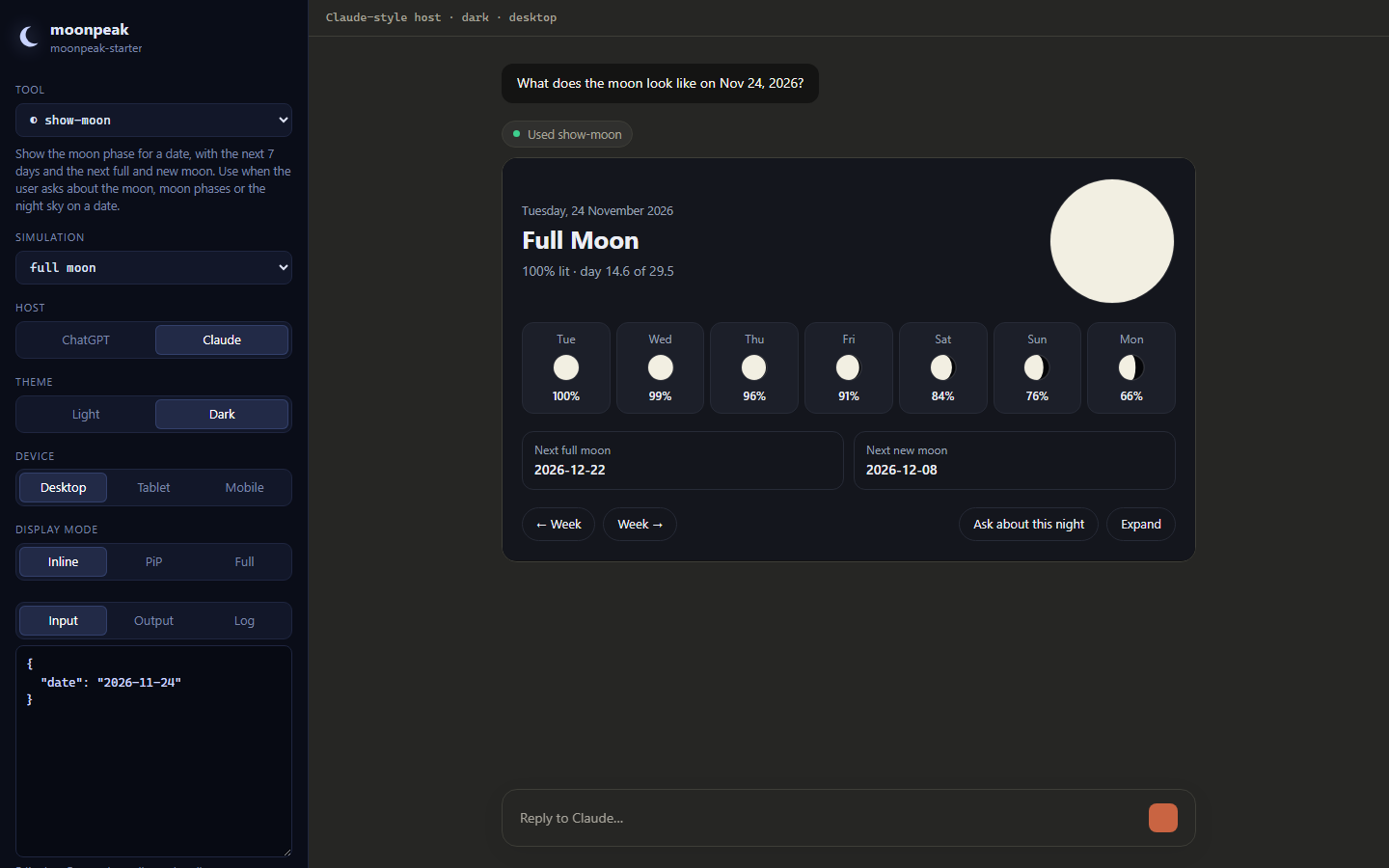
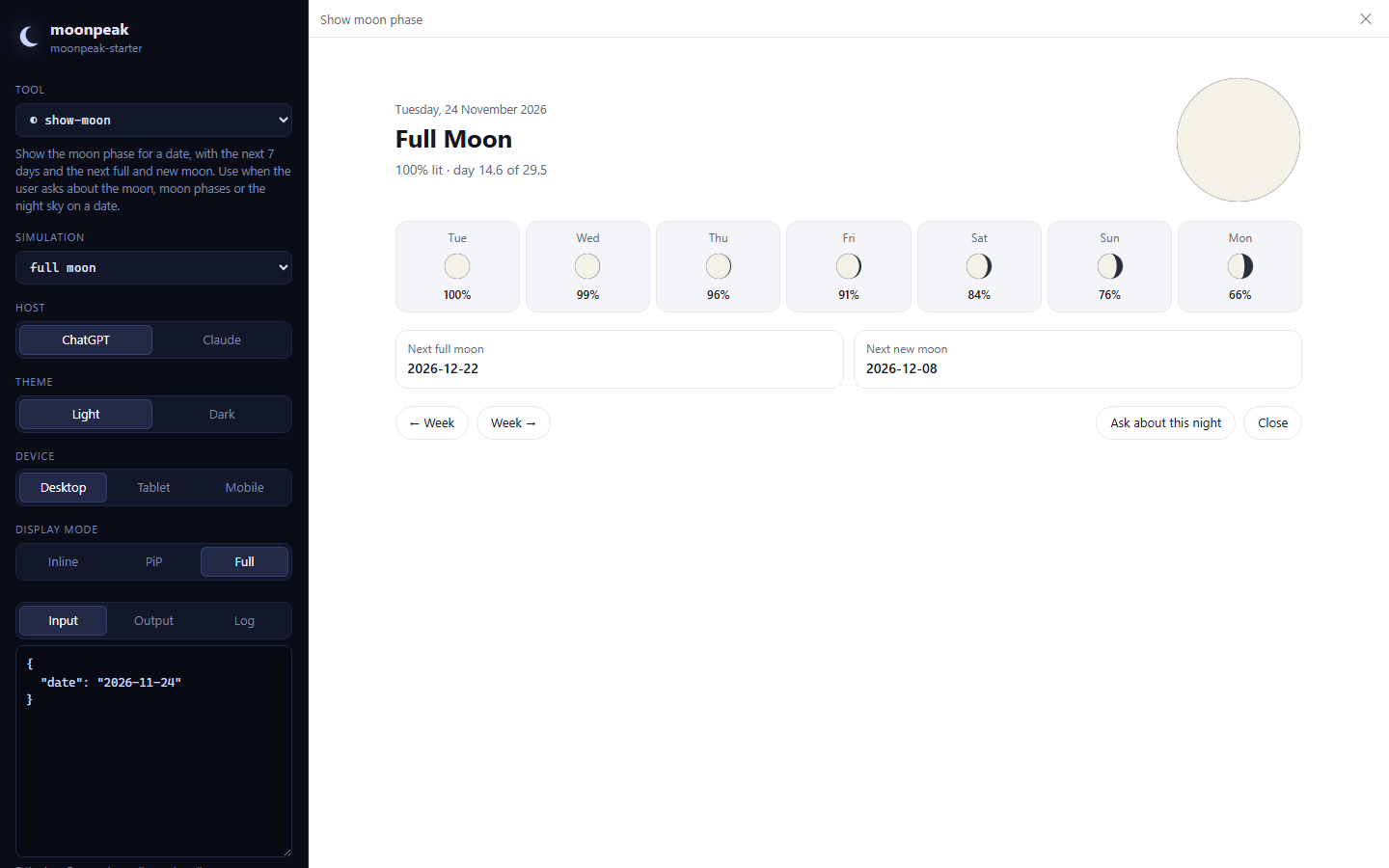
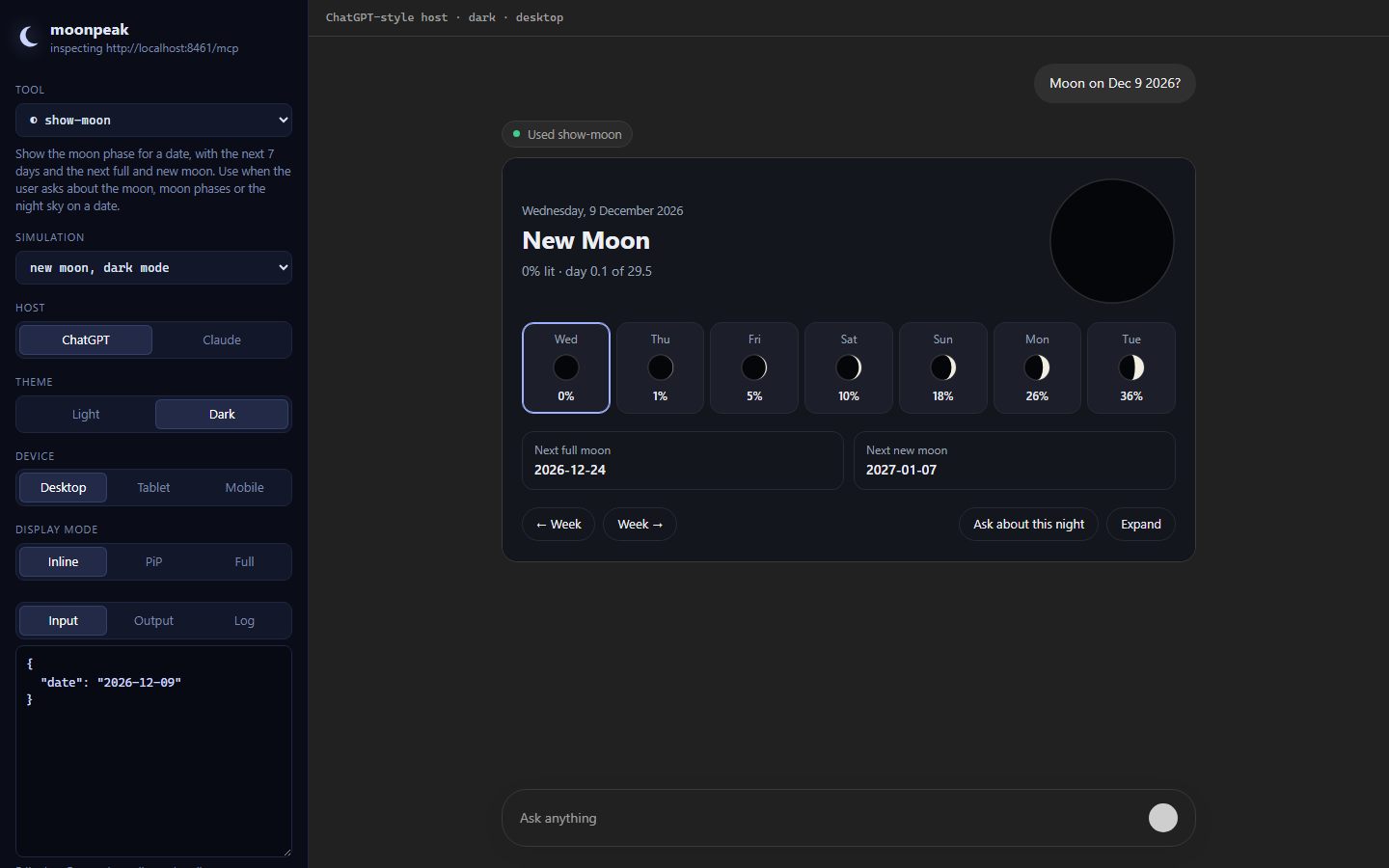
Try it now: the command above opens the inspector against moonpeak's live demo server.
Why the moonpeak inspector?
- Two hosts: ChatGPT-style and Claude-style chrome, host info, capabilities and the
window.openaiglobals ChatGPT Views expect. - Every host setting: theme, locale, device width, safe areas and display mode (inline, picture-in-picture, fullscreen).
- Live editing: change tool input and run the real handler, or edit the output and re-render without a backend.
- Host actions: messages, model context, links, downloads, logs and widget state show up in side panels.
- Shareable: every setting lives in the URL, so a bug report is a link.
# your moonpeak project, with hot reload
moonpeak dev

# any MCP server, in any language
moonpeak inspect --server http://localhost:8000/mcp
moonpeak inspect --server https://api.example.com/mcp \
  --header "authorization:Bearer $TOKEN"